Sample events
Examples of event ticketing, file and video access pages, e.g. online courses.
All page types are digitally accessible, compliant with WCAG 2.2 level AA guidelines.
Test website of the organizer's store. Page opens in a new window
Events in different currencies
The language of the ticket purchase process depends on the selected sales currency. English: EUR, USD. Polish: PLN.
General information about ticket sales. Page opens in a new window
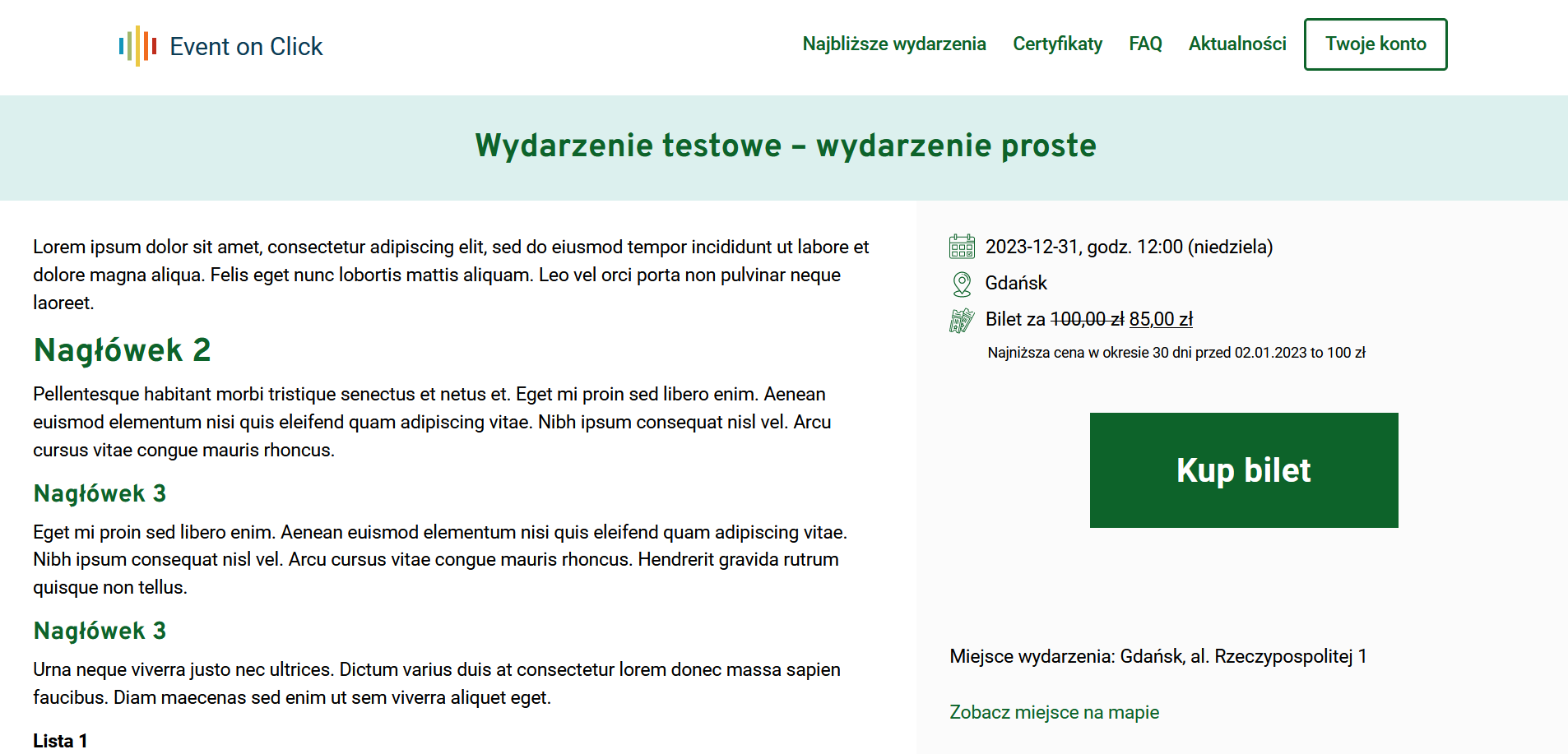
Example event in EUR currency. Page opens in a new window
Events with a booking system
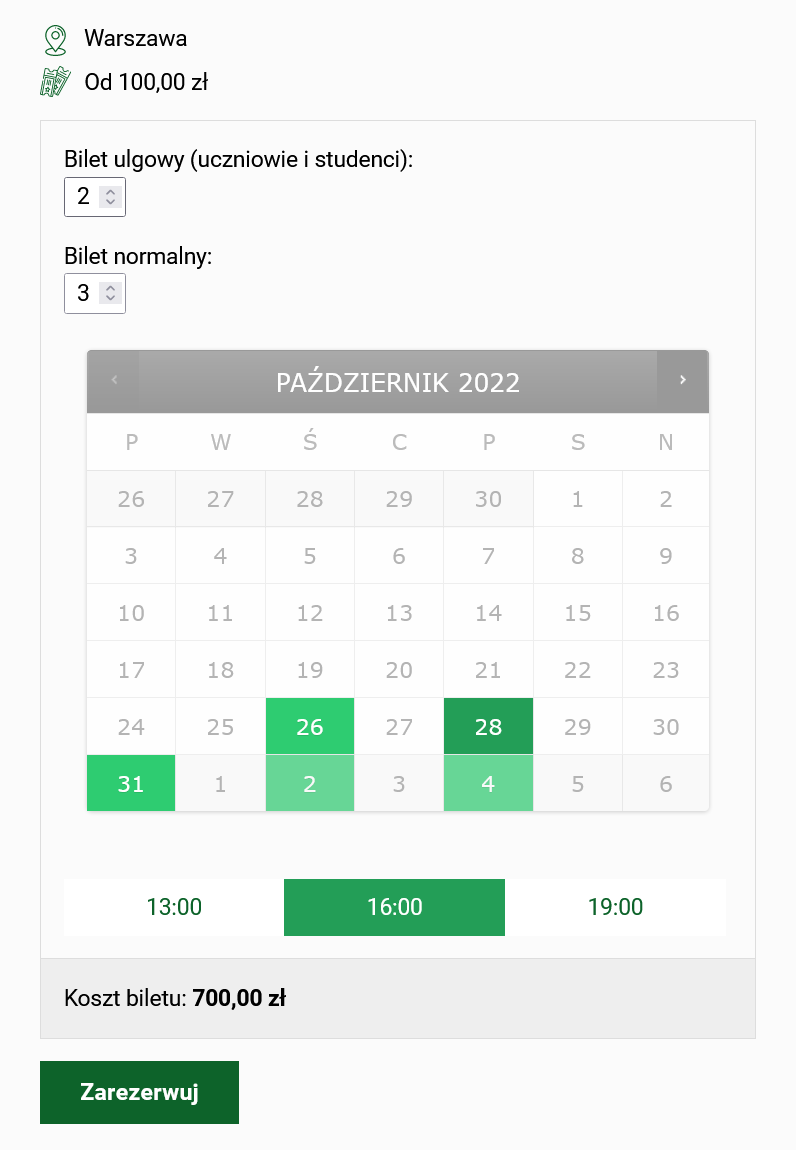
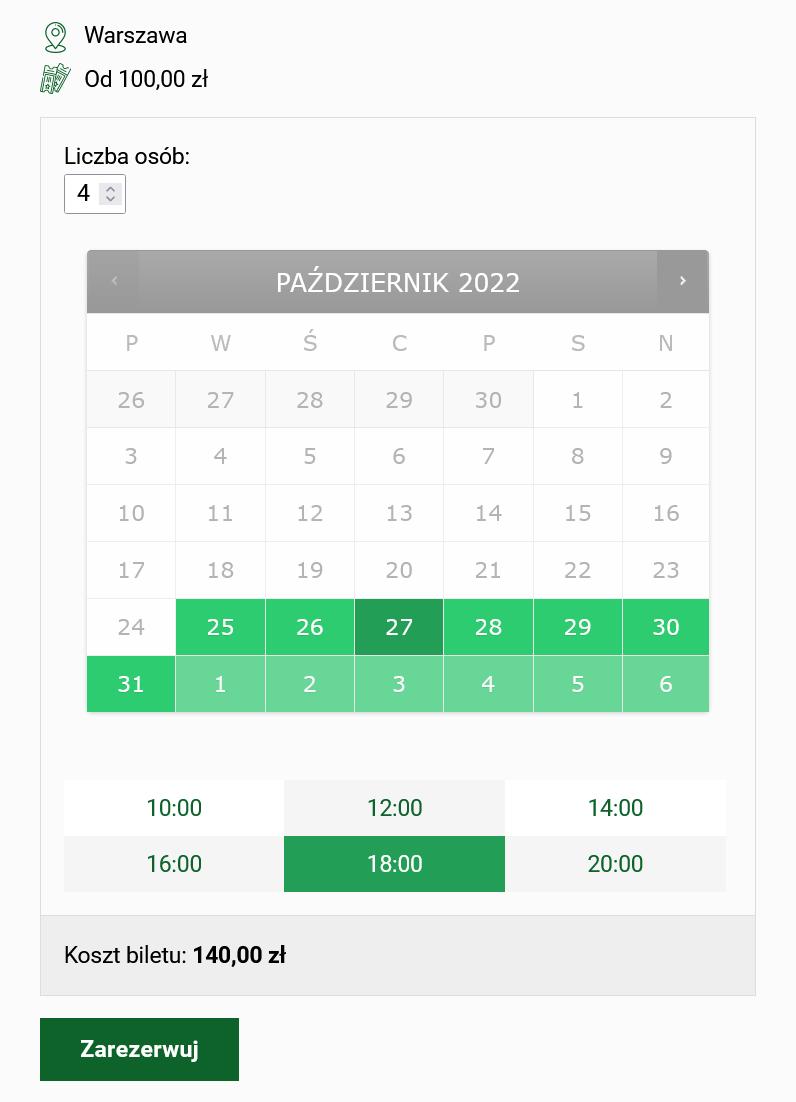
The user selects a day and time from the calendar. After booking the date, the user has 10 minutes to pay for the ticket online. If payment is not received within this time, the reservation will be automatically canceled.
More information about the appointment booking system. Page opens in a new window
Test booking pages
An example event with a reservation of dates. Page opens in a new window
Sample event with date reservation (ticket variants). Page opens in a new window
Events with ticket variants
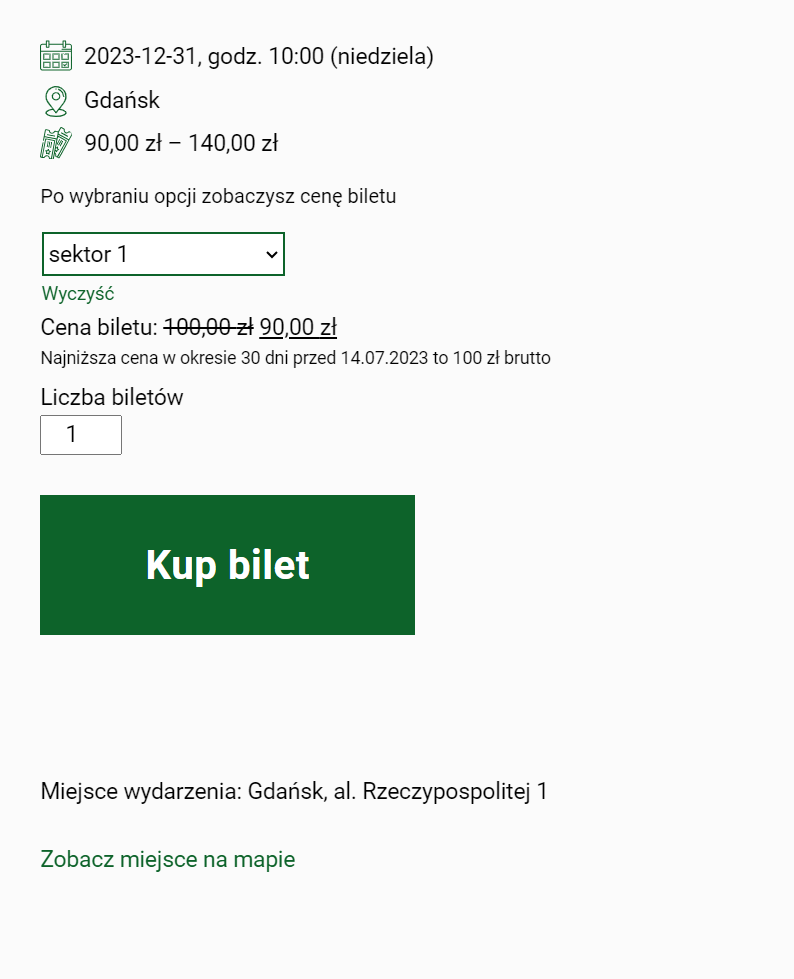
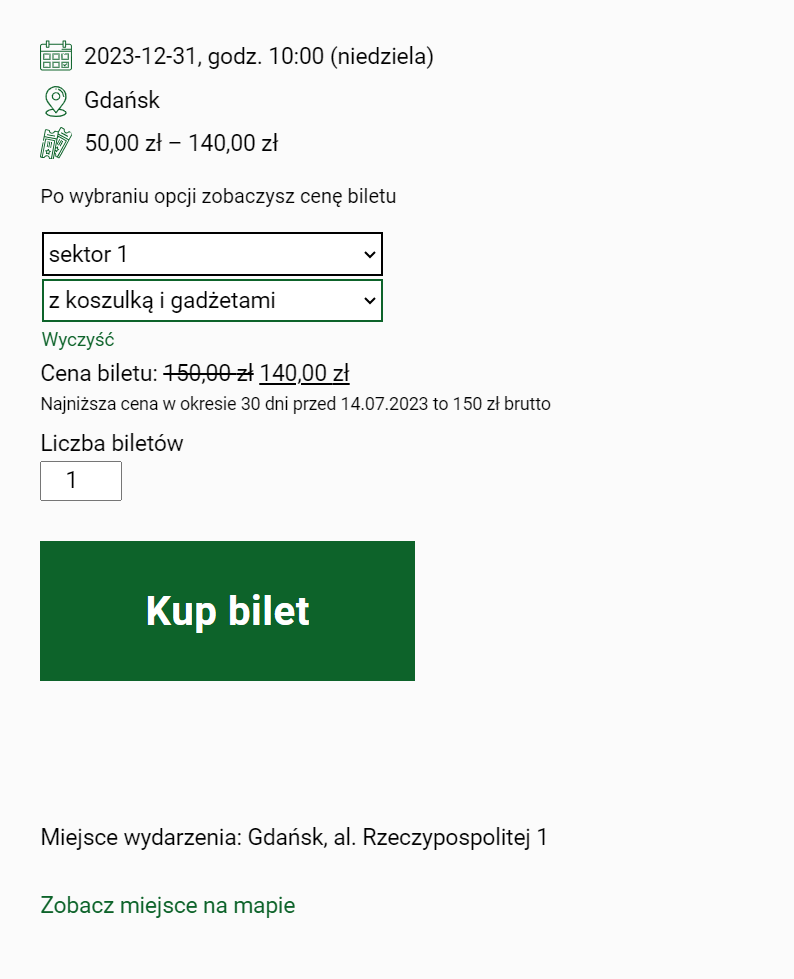
You can define different ticket variants for an event. This allows you to easily control participants' access to premium services during the event.
Instructions for creating an event with ticket price variants. Page opens in a new window
There are 2 types of variant lists
- Variants in the form of a drop-down list - during registration, the user can buy only one ticket variant
- Variants in the form of a set of variants - during registration, the user can buy many ticket variants
Example 1. Event with a list of variants. Page opens in a new window
Example 2. Event with a list of variants. Page opens in a new window
Example events with a set of variants. Page opens in a new window
Events with option "Pay what you want"
Detailed information about option: Pay what you want. Page opens in a new window
Links to test events with the "Pay what you want" option
Events with additional fields in the ticket purchase form
You can ask us to modify the ticket purchase form on your event website.
Custom registration forms. Page opens in a new window
Test simple event with additional fields. Page opens in a new window
Test event with variants with additional fields. Page opens in a new window
Events with email verification
When purchasing a ticket or registering for an event, the user provides a verification code sent to the e-mail address provided by him.
Additionally, we may implement additional email verification using an external API to exclude the use of a temporary email address.
Test event with email verification. Page opens in a new window
Event widget embedded on an external domain
As an event organizer, you can sell tickets directly on your domain using a special widget.
Information on adding an event widget on your domain. Page opens in a new window
Example event widget - sales in EUR currency. Page opens in a new window
Example event widget - sales in USD currency. Page opens in a new window
File selling pages
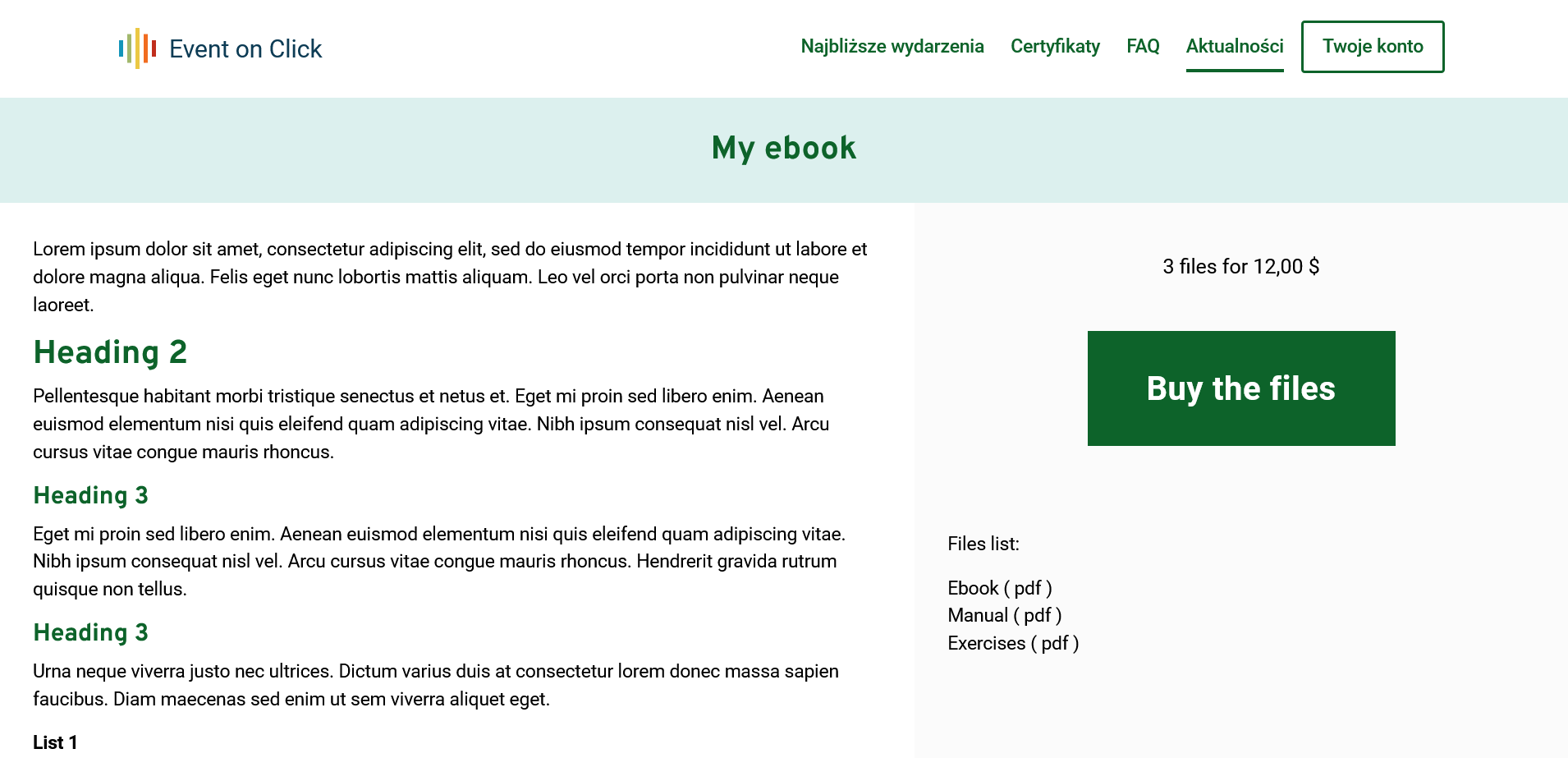
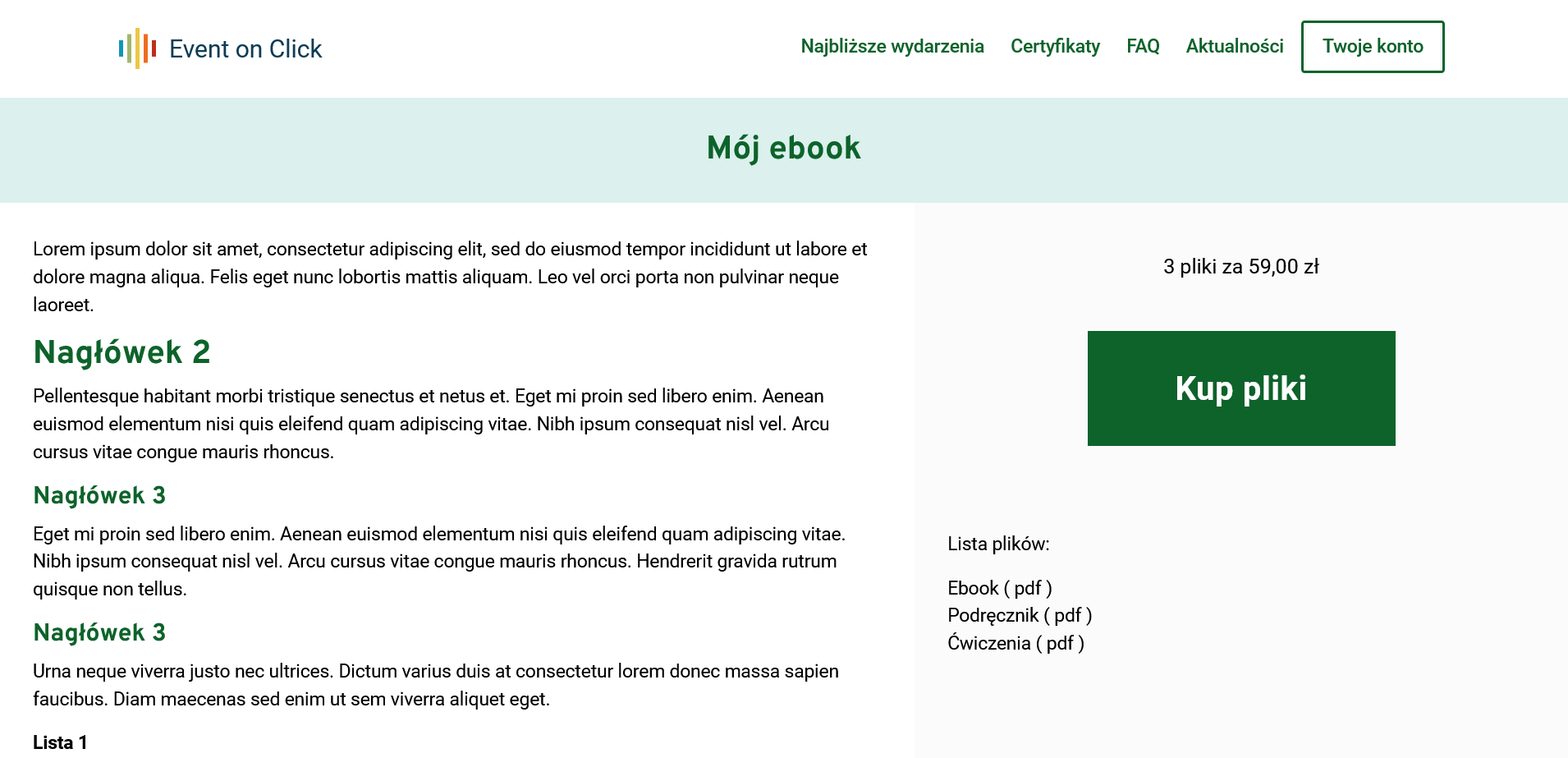
You can sell your files, e.g. PDF ebooks or other works in any formats (e.g. MP3).
Instructions for selling files. Page opens in a new window
File sales in USD
File sale example in USD currency. Page opens in a new window
File sales in EUR
File sale example in EUR currency. Page opens in a new window
Video access sales pages, e.g. online courses
How does it work from the user's perspective?
After making an online payment, the user receives an automatic email with an individual link to a special page where access to the video is secured with a PIN. After entering the PIN correctly, a user-friendly interface is created for playing videos provided by the seller.
More information about selling access to video. Page opens in a new window
Test sales page for access to video. Page opens in a new window
Test sales page for access to online course. Page opens in a new window
We are digitally accessible. The entire website complies with the WCAG 2.2 level AA standard.
The ticket purchase interface and the entire organizer panel are available digitally. If you notice any error or have a suggestion for a change, please write to us: e-mail: my@eventon.click. We take care of every detail!